WallHush turns the space behind your work into a slow, living scene — and pairs it with a sound engine tuned for sleep, focus, and deep calm. It sits in your menu bar, sips about 1% CPU, and gets out of the way.
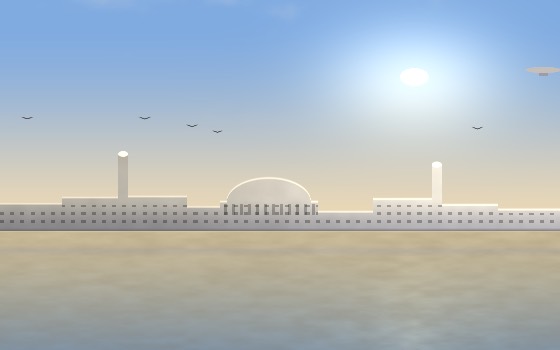
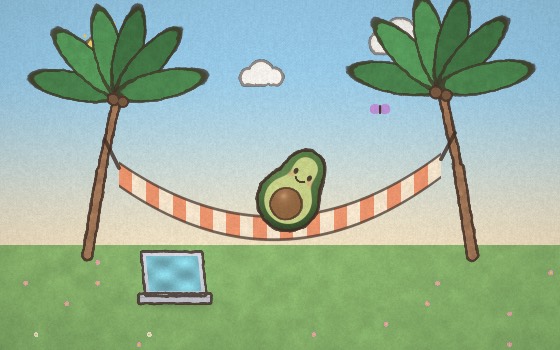
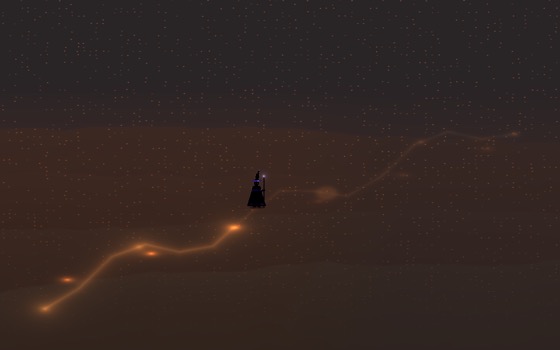
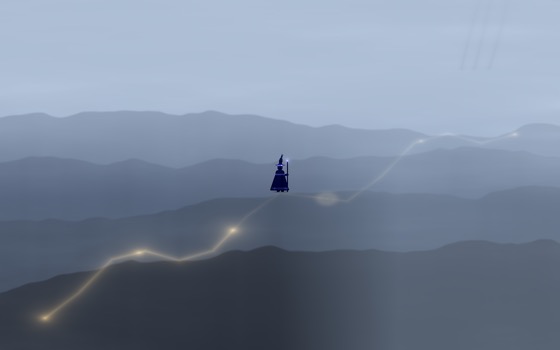
Every scene is drawn live by your Mac's GPU — native Metal, no looping MP4s, no browser engine humming in the background. They drift, breathe, and never repeat exactly. Auto-cycle through a pack and a new scene fades in every 15 seconds.



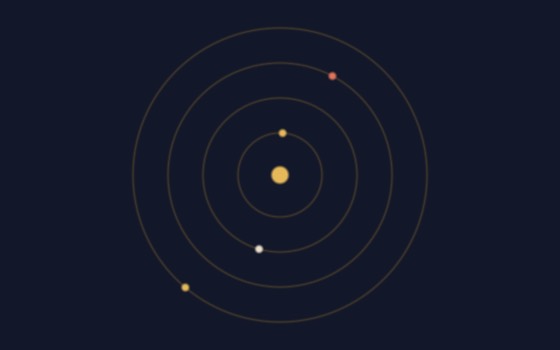

Dial in a brainwave band, pick your carrier, and layer real ambiences over it. One button switches from a two-ear binaural beat to a smooth isochronic pulse that works on speakers — and a second opens Producer Mode, where the pulse locks to your track's tempo.
One window, four tabs, zero friction. Empty your head, and WallHush helps the pieces land on a real calendar — then pins today's schedule to your wallpaper so it's always in view.
This week, this month, beyond. Gentle coaching prompts pull ideas out; one line like "dentist tue 10am" becomes a real event.
Morning Pages to free-write the fog away, Night Goals to reflect — then a schedulizer drafts tomorrow's tasks from what you wrote, for you to confirm.
Build habits or quit them — daily, N days a week, or pinned weekdays. Check them off from the calendar, watch streaks grow.
Your actual Apple Calendar, editable in place, from today to ten years out. Nothing is trapped inside the app.
You probably got here from one thing — a wallpaper pack, or the sound engine, or the sleep meditations. Any one of those ships as a $7 Mac app on its own. WallHush is all of them, for the price of one, once. (Comparable focus-audio and wallpaper apps run $5–15 every month.) No subscription, no account, no telemetry — the license activates in Settings and lives in your keychain.
Any one of these ships as a $7 app on its own. You're getting all of them, once, for the price of one.
Get Pro · $4.2030-day refund, no questions asked. Notarized by Apple.
Not ready yet? I'll email you when new scenes and features land.
A few emails a year. No spam, unsubscribe any time.
Drag WallHush into Applications, click the 🌙 in your menu bar, and your desktop starts breathing.
Yes. WallHush is signed with a Developer ID certificate, notarized by Apple, and the ticket is stapled to the download — so it opens with a normal double-click, with no right-click trick and no trip to Privacy & Security.
If you'd like to check you got the real file, run shasum -a 256 ~/Downloads/WallHush.dmg and compare:053ba596fd5cc3bf6f4b140775b646ed4db053b8601680a0fc736f9b044a248f
macOS 12 Monterey or newer, Apple Silicon or Intel. WallHush renders below native resolution on Intel machines and pauses whenever the desktop isn't visible, so it stays around 1% CPU either way.
Buy once, get a license key by email, paste it into Settings → License. It verifies once and is stored in your macOS keychain — no account, works offline afterwards.
No. There's no analytics and no account. The only network call the app ever makes is the one-time license check when you activate Pro.